

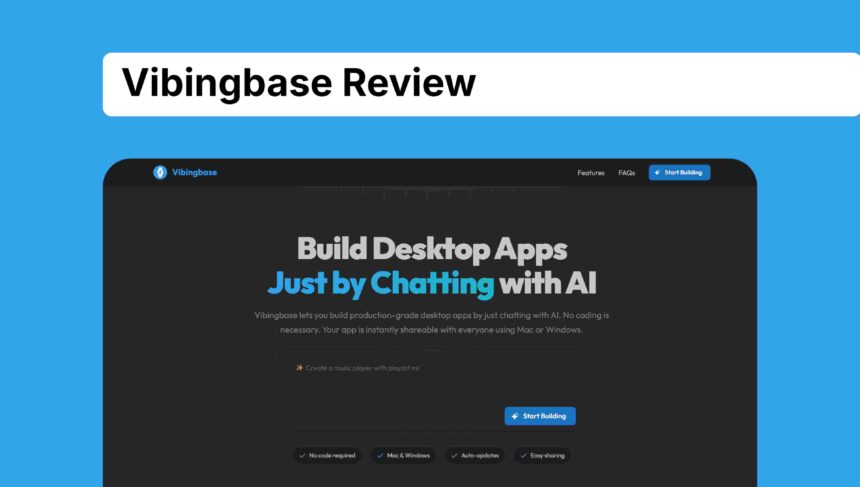
I’ve been trying AI tools for a long time. I tested many AI coding platforms, spent a lot of money, and stayed awake many nights. Most tools only made me irritated.
Some gave half-finished apps, some forced me to use slow Electron apps, and some lied about being “no-code.” I honestly felt like making a real native desktop app with AI was impossible.
Then someone told me about Vibingbase, and this time, my doubt completely disappeared in a good way.
I used Vibingbase for the last few days again and again. I built random apps, broke them, fixed them, tried new ideas and honestly, this is the first AI app builder that feels real. It looks like magic but without the fake feeling
What Is Vibingbase?
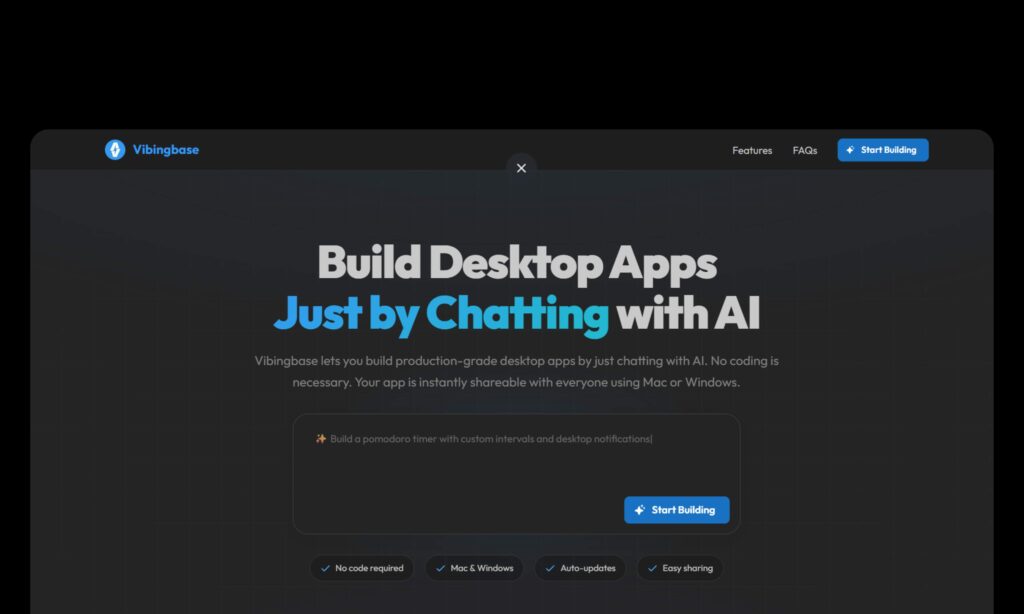
Vibingbase is the first AI tool I’ve used that can take a casual sentence and turn it into a proper native desktop app for macOS or Windows.
It was built by Minh-Phuc Tran. The promise is simple but insane: describe your app like you’re texting a developer who never sleeps, and you get a finished, shareable desktop program in minutes.
How to Use It
You go to vibingbase.com, hit “New App,” and just start talking.
That’s it.
I typed something like “build me a clean habit tracker with streaks, a menu bar counter, and a flaming emoji that gets bigger every day I don’t break the chain.” Less than ten minutes later I was dragging a real macOS app into my Applications folder.
I opened the chat again, said “add dark mode and CSV export,” and two minutes after that the updated version was already waiting.
When I was happy, I clicked “Share” and got a clean download link anyone could use—no accounts, no installer nonsense.
Every person who downloaded it later got my fixes automatically the next time they opened the app.
The entire cycle from random idea to sharing with friends took me under two hours, and I spent half of that time just playing around because I couldn’t believe it worked.
Pros & Cons
The good stuff is almost unfair: speed that feels like cheating, truly native performance, instant sharing, auto-updates for life, and a free tier that actually lets you build real things before asking for a dime.
The chat just… understands. I kept throwing random changes at it—make the button purple, add a confetti explosion on 100-day streaks, whatever and it never once got annoyed or broke.
The not-so-perfect side is that it’s still young. Really complex background services or weird system permissions can take a few back-and-forth rounds to nail perfectly.
There’s no mobile export yet and no public gallery of templates to remix (you always start from zero). That’s it. For something this ambitious and this new, those feel like tiny complaints.
Best Alternatives of Vibingbase
Cursor
This is the AI code editor that’s basically your best friend if you’re dipping your toes into actual coding but hate starting from scratch.
You describe your app in natural language, and it autocompletes entire functions or even scaffolds a full project using models like Claude or GPT.
Pair it with something like Tauri for desktop packaging, and you get native-ish apps that run smoothly. I used it to build a quick file organizer for Windows—took about an hour of back-and-forth tweaks.
It’s powerful for control freaks, but you’ll still end up reading and editing code, which isn’t zero-effort like Vibingbase. Great if you want to learn as you go; skip if code makes your eyes glaze over.
Replit
Replit’s the online IDE with a killer AI agent that can generate, debug, and deploy code right in your browser.
You prompt it with “build a habit tracker with database sync,” and it spits out a full-stack app—web by default, but you can export to desktop with some Electron wrapping.
I shipped a simple note app this way in under 30 minutes, and the collab features are gold for teams. It’s free for basics and feels collaborative, but for true native desktop, you’re fighting wrappers and dependencies that slow things down. Solid for web-first folks who occasionally need desktop ports.
Lovable
Lovable is this chat-based AI builder that turns your rambling descriptions into editable React apps with Tailwind styling—full-stack if you hook it to Supabase for backend stuff.
I built a multi-page dashboard for internal tools in about 20 minutes; it even generates clean source code you can export to GitHub for further tweaks.
It’s fun and fast for web apps that look modern out of the box, but desktop output? It’s Electron-heavy, so apps feel bulkier and less native than Vibingbase’s crisp .app files.
Perfect if your world is web and you want something remixable; not ideal if you crave that true desktop polish.
Google AI Studio (Build Mode)
Google’s free gem here, log into AI Studio, switch to Build mode, and prompt Gemini to whip up a full web app with AI smarts baked in, like image gen or live APIs.
I tested it by asking for a Pomodoro timer with streak tracking; it generated the code, previewed it live, and let me deploy to Cloud Run or push to GitHub in minutes.
No cost to start, and the annotation mode (highlight UI and describe changes) feels intuitive.
But it’s web-centric desktop means wrapping it yourself and it shines more for Gemini-integrated apps than pure utilities. If you’re already in Google’s ecosystem and want free prototyping, this is a no-brainer steal.
Conclusion
Vibingbase is the first tool that made me close my laptop with a big smile. If you ever had an idea for a small macOS or Windows app and thought “I can’t build this,” go to Vibingbase right now and try it. You only need 10 minutes.
Worst case, you say “okay, it’s not for me.”
Best case, you finally create a desktop app that has been sitting in your mind for years.